
Major Scheduling, Analytics and Performance Improvements
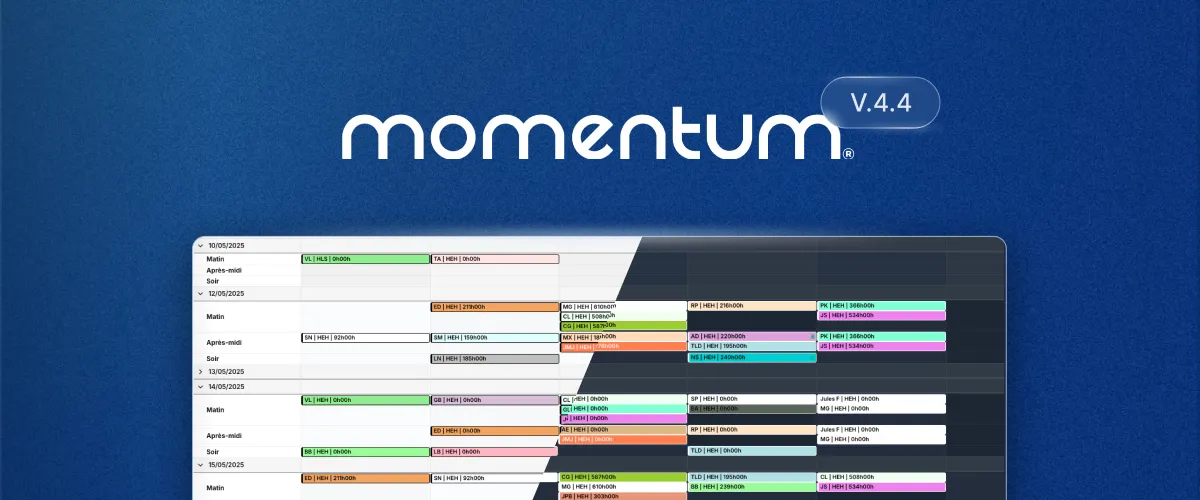
This release focuses on the new Momentum application introduced in 2025 and includes an overall layout simplification with clearer access to primary actions, making your schedules easier to interact with.
Instant Analytics are now available directly on all schedules removing the need to export data or to create custom reports. A new Timeline view has been added, specifically designed for high-volume schedules where visibility into coverage density matters.
Momentum Classic remains available as the default when you login. You can access the new version from the top menu in Scheduling → View schedule → Date View (new).
✨ UI and Usability Enhancements
- Dark mode: Choose between light, dark or let the UI follow your system preference.
- Quick-search: Instantly highlights assignments on screen as you type.
- Fast assignment creation: Right-click any cell in the schedule to create a new assignment. Assignment fields are now automatically pre-filled based on context and active filters (date, role, staff, location).
- Row/Column Multi-Select: Select entire rows or columns of assignments for faster bulk editing.
- Multi-Select: Publish or unpublish assignments individually or in bulk.
- Shift View: New layout options for alternative schedule visualization.
- Keyboard Shortcuts: Faster navigation and actions for power-users, for example:
•Nto create an assignment
•Fto edit filters
•Ctrl + Kto quick-search (⌘ + Kon Mac)
🕐 Timeline View
- Hour-by-hour visualization of assignment coverage
- Gaps and overlaps highlighting for quick identification
- Multi-timezone viewing to easily manage teams distributed accross multiple timezones.
📊 Instant Analytics Dashboard
- Real-time operational insights based on the current filters and schedule view.
- Heatmap: Visual representation of assignment density.
- Distribution graph: Understand how assignments are distributed accross roles, staffs and hours.
- Key metrics including average hours, total cost, and unfilled assignments.
💎 Performance Improvements
- Increase of the number of assignments that can be viewed at once (previous hard cap removed).
- Faster loading time and UI refreshes throughout the application, especially for large datasets.
- Improved large schedules loading and navigation.